Text alternatives
Meaningful images need useful text alternatives. Decorative images should stay quiet for screen-reader users.
Website accessibility
Accessibility is part of making a useful website. We can review the visible experience, explain what is getting in the way, and help define a practical first improvement. This is not legal advice.
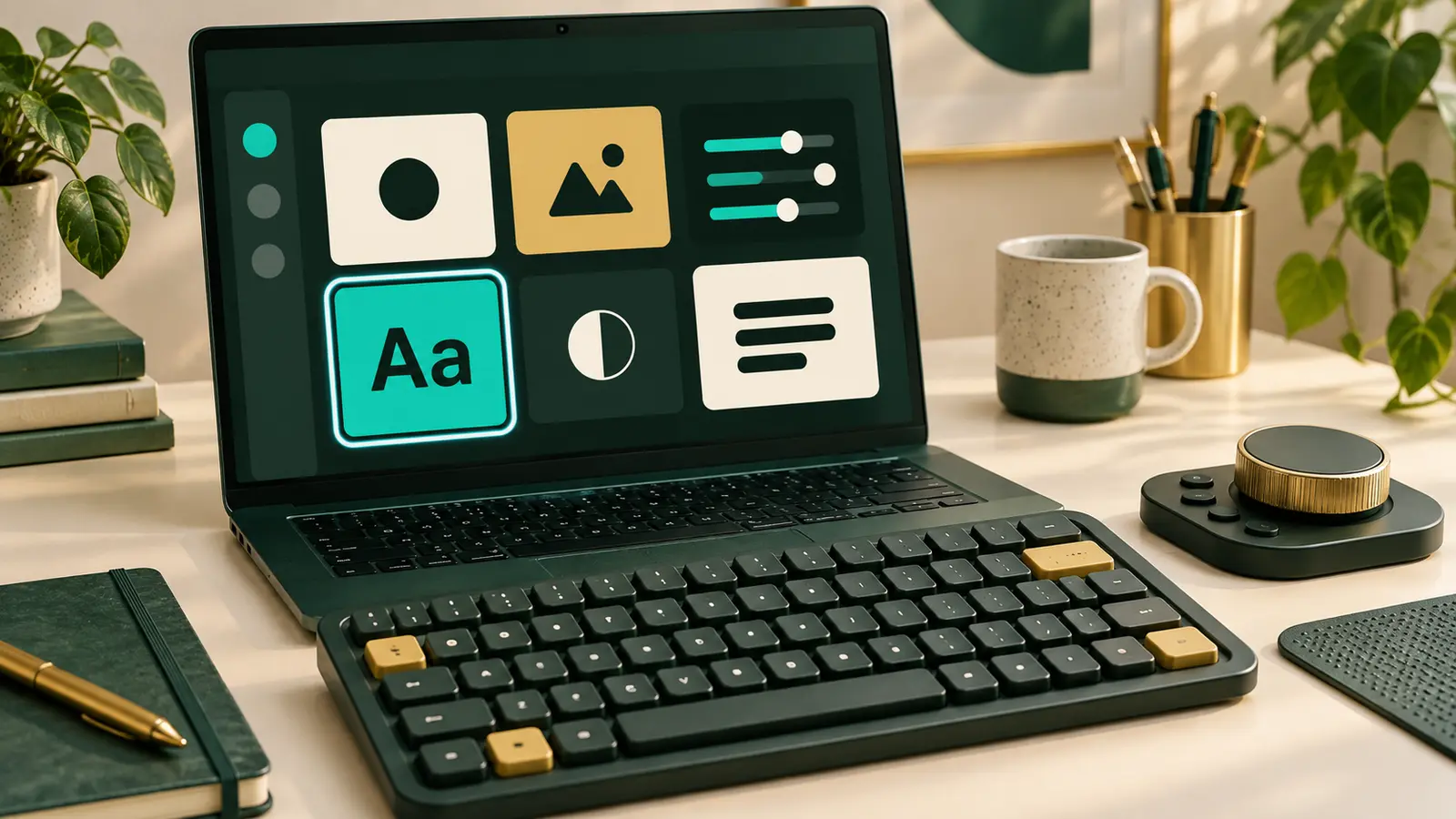
Automatic checks can flag missing labels, unclear structure, or controls that may be hard to use. They do not review every interaction or legal requirement.
Use this as a starting point for a real conversation. If you need legal advice or a full review, work with a qualified specialist.
Useful checks
Meaningful images need useful text alternatives. Decorative images should stay quiet for screen-reader users.
Inputs need visible labels. People should know what information each field requests.
Links, controls, menus, and forms should work without a mouse.
A clear heading order helps people scan and navigate with assistive technology.
Text and essential controls need enough contrast to stay readable.
Links and form feedback should explain what happens next.
A Website Fix can address one agreed issue. Bigger website changes and legal reviews need their own plan.
See Website Fix details